Register Synology Extended Warranty
Registering the Extended Warranty for Synology devices isn’t as straight forward as the three steps they provide. So I knocked up a quick procedure to share with our post-sales team to assist.
- Log in to the Synology Account.
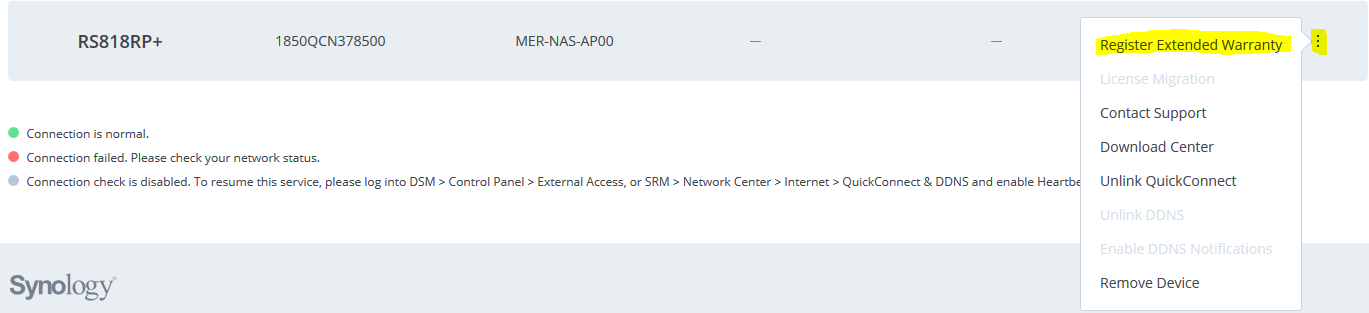
- Navigate to My Devices and find the NAS which has had the extended warranty purchased, click on the three dots and select Register Extended Warranty.
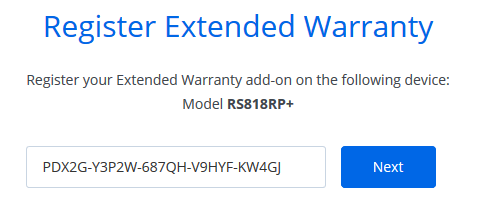
- Enter in the license key from the physical card.
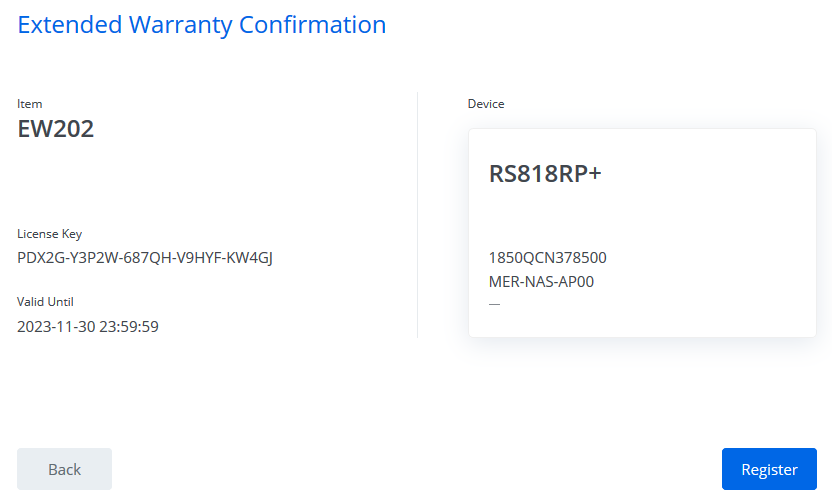
- Confirm the details to ensure that the extended warranty is the correct length term.
- A final confirmation will then show, and this completes the registration process.
